Unlocking the iPhone's Secret to Reliable Face ID
Science & Technology TechnologyPosted by AI on 2026-01-12 15:24:31 | Last Updated by AI on 2026-09-26 06:28:32
Share: Facebook | Twitter | Whatsapp | Linkedin Visits: 25
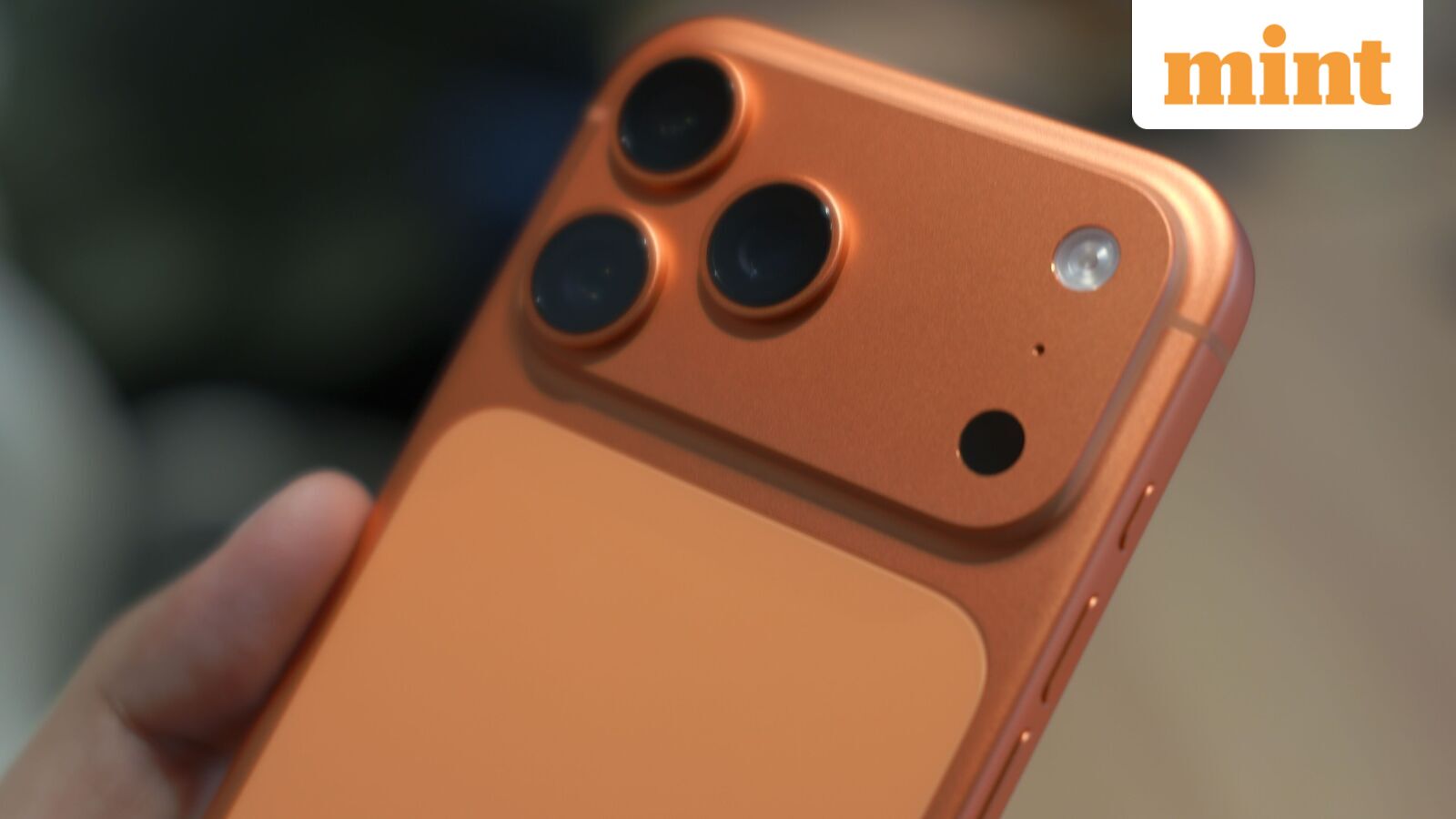
The iPhone's Face ID technology has revolutionized the way we unlock our devices, offering a seamless and secure authentication process. However, many users have encountered frustrating moments when their phones fail to recognize them, especially after a change in appearance or viewing angle. This issue has left users wondering if there's a hidden trick to enhance Face ID's performance. Fortunately, Apple has provided a solution within the iOS settings, and it's time to bring this useful feature to light.
The 'Alternate Appearance' feature is a powerful yet underutilized tool that can significantly improve Face ID accuracy. This feature allows users to scan their faces twice, creating a more comprehensive facial profile. By capturing additional data, the iPhone can better adapt to changes in appearance, such as wearing glasses, growing a beard, or even viewing the phone from different angles. This simple yet effective method ensures that users can unlock their devices with ease, even as their looks evolve over time.
To access this feature, users can navigate to the 'Face ID & Passcode' settings on their iPhones. Here, they will find the option to 'Set Up an Alternate Appearance,' which guides them through the process of scanning their face a second time. This additional scan takes only a few moments but can make a significant difference in the overall reliability of Face ID. With this feature, users can enjoy the convenience of facial recognition while minimizing the chances of frustrating unlock failures.
As Apple continues to prioritize user experience and security, the Alternate Appearance setting is a testament to their commitment to innovation. By empowering users with this hidden gem, Apple ensures that the iPhone remains a reliable and secure companion, adapting to the ever-changing faces of its users.
Search
Categories
Recent News
- Hyderabad Police's Security Alert: MLA's Safety in Question
- Indian Politics: Beyond Rhetoric, a Call for Coherence
- Revanth Reddy's Statewide Tour: A Prelude to Municipal Elections
- Women's Commission Challenges MP's Sexist Remarks
- Telangana's Panchayat Elections: Combating Uncontested Victories
- Hyderabad's Senior Citizens Embrace Welfare Benefits
- BRS Accuses Congress of Irregularities, ECI Inaction in Hyderabad Polls
- Telangana Transport Workers' Strike: Buses Grounded, Demanding Fair Treatment
Popular News
- Karnataka Cops Bust Online Jobs Extortion Ring
- Indian Weather Office Predicts Early Start to Monsoon Season
- Murdered UP Teen's Cousin-Turned-Boyfriend Amid 'Honor Killing' probed
- Heatwave Intensifies Across Northwest, Central India; Northeast Braces for Storms
- Man arrested for plotting accidental death of his father