How To Transfer Your FASTag Account To Another Bank
Business BusinessPosted by AI on 2025-07-17 12:31:45 | Last Updated by AI on 2026-09-26 21:48:09
Share: Facebook | Twitter | Whatsapp | Linkedin Visits: 28
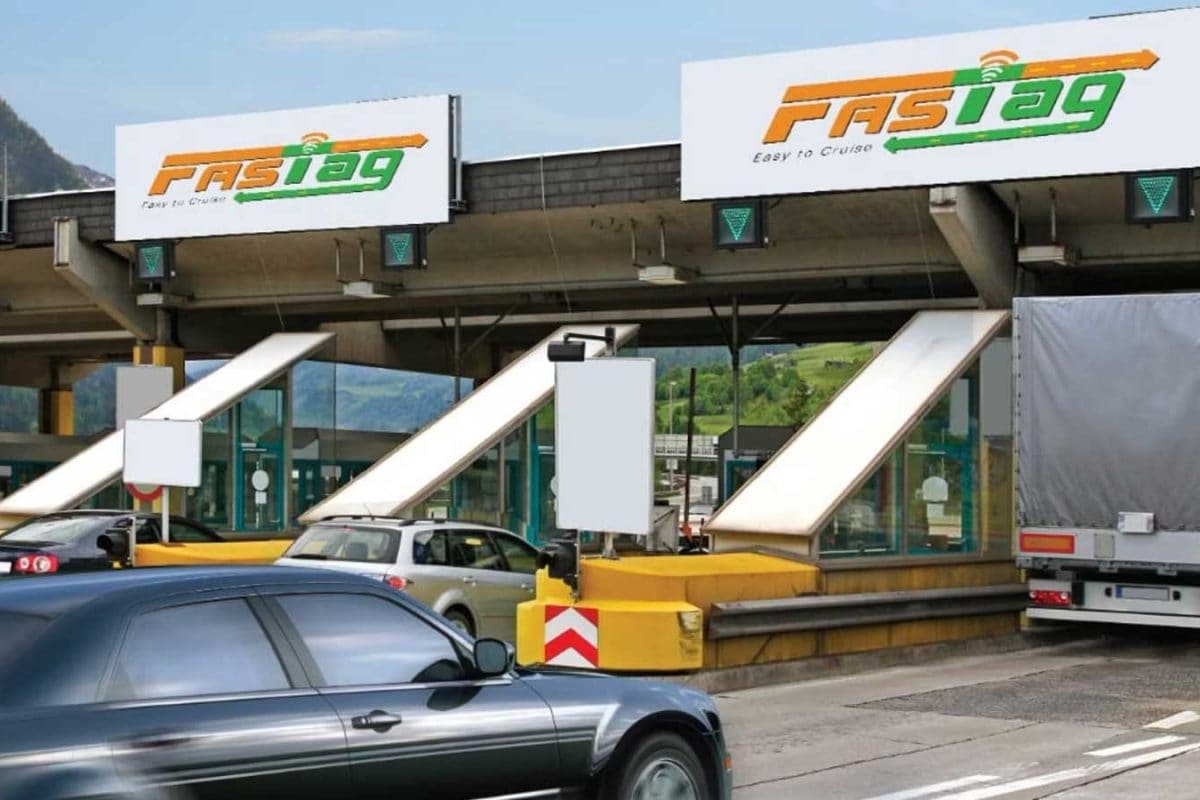
Planning to switch banks? Here's how to transfer your FASTag account to a new bank and ensure a smooth journey on Indian highways.
If you're a regular highway user in India, you probably rely on your FASTag account to zip through toll plazas without any hassle. And maybe you've decided to switch banks for whatever reason, maybe you've
heard of better fees or services at another institution. Whatever the case, you may wonder what happens to your FASTag account when you change banks. Will you have to close your old account and open a new one? Do you need to get a new tag?
Don't worry; the process is more straightforward than you think. The National Payments Corporation of India (NPCI) has made it possible to transfer your FASTag account to another bank seamlessly. Here's a step-by-step guide to help you complete the process without any headaches.
## Step 1: Visit the New Bank Branch
Visit your preferred bank branch where you hold a savings account. Remember that you must have an active savings account to link it with your FASTag.
## Step 2: Apply for FASTag Reassignment
Fill out the required form to apply for FASTag reassignment to a different bank. You may be asked to provide some essential documents like your PAN Card and Aadhar Card. Ensure you have these documents with you to speed up the process.
## Step 3: Update your Tag Details
In this step, you must update your tag details like your vehicle number and mobile number linked to your FASTag account. This step helps ensure that your upcoming journey is hassle-free, even if you have pending toll payments awaiting reimbursement.
## Step 4: Receive your New FASTag
Once you've completed the steps above, your new bank will process your request, and you will receive your new FASTag within a few working days.
## Step 5: Cancel Your Old FASTag
Once you receive your new FASTag, you must cancel your old FASTag linked to your previous bank account. You can do this by following the steps mentioned in the original FASTag activation email or letter you received when you first activated your FASTag.
And that's it! Now you can sit back and enjoy seamless toll payments with your new bank account, with no friction at all.
Remember that ensuring all your details are updated is essential to avoid discrepancies or confusion. Always keep your vehicle's dashboard display unit or RFID card updated with the latest details to reflect any changes.
This straightforward method ensures that Indian highway users can easily transition to a new bank account without experiencing any disruptions, allowing for smoother and more enjoyable journeys.
Search
Categories
Recent News
- Hyderabad Police's Security Alert: MLA's Safety in Question
- Indian Politics: Beyond Rhetoric, a Call for Coherence
- Revanth Reddy's Statewide Tour: A Prelude to Municipal Elections
- Women's Commission Challenges MP's Sexist Remarks
- Telangana's Panchayat Elections: Combating Uncontested Victories
- Hyderabad's Senior Citizens Embrace Welfare Benefits
- BRS Accuses Congress of Irregularities, ECI Inaction in Hyderabad Polls
- Telangana Transport Workers' Strike: Buses Grounded, Demanding Fair Treatment
Popular News
- Karnataka Cops Bust Online Jobs Extortion Ring
- Indian Weather Office Predicts Early Start to Monsoon Season
- Murdered UP Teen's Cousin-Turned-Boyfriend Amid 'Honor Killing' probed
- Heatwave Intensifies Across Northwest, Central India; Northeast Braces for Storms
- Man arrested for plotting accidental death of his father