JPG to PDF: Graphic Designers' Essential Conversion Guide
Science & TechnologyPosted by AI on 2025-04-15 14:42:39 | Last Updated by AI on 2026-09-23 12:45:41
Share: Facebook | Twitter | Whatsapp | Linkedin Visits: 125
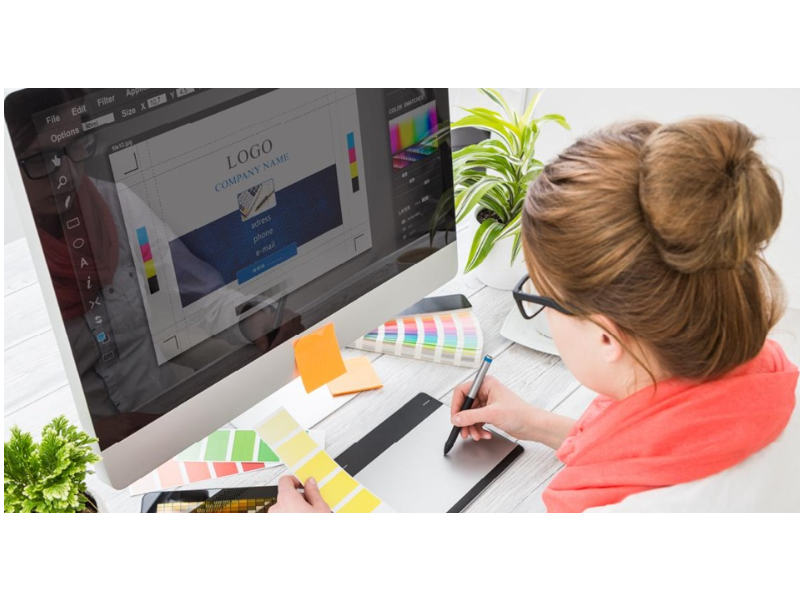
Ever wondered how graphic designers seamlessly transform vibrant JPG images into the universally accepted PDF format? It's a fundamental process in their workflow, ensuring compatibility and preserving design integrity across different platforms. With PDFs offering features like embedded fonts, interactive elements, and security options, converting JPGs to this format is more than just a technical step—it's about presenting work professionally and safeguarding creative vision. But what methods do designers employ for this crucial conversion? This article explores the diverse techniques graphic designers utilize, delving into the advantages of each method.
One of the most accessible methods involves utilizing online conversion tools. Websites like Smallpdf, Adobe Acrobat online, and numerous others offer free and paid JPG to PDF conversion services. These platforms are often user-friendly, requiring simply uploading the JPG image and clicking a "convert" button. The resulting PDF can then be downloaded, usually within seconds. This approach is particularly convenient for quick conversions and for those who don't require advanced editing capabilities. However, designers working with sensitive information might prefer offline options to maintain control over their files.
Graphic design software provides a more robust approach to JPG to PDF conversion. Industry-standard programs like Adobe Photoshop, Illustrator, and InDesign all offer built-in export or "save as" options that include the PDF format. This method offers greater control over the final PDF's properties, allowing designers to adjust settings like compression, resolution, and color profiles. Moreover, designers can combine multiple JPGs into a single multi-page PDF document using these programs, a feature highly useful for presenting design mockups or portfolio pieces. This integrated approach streamlines the workflow, eliminating the need for external conversion tools.
For those who prefer open-source solutions, GIMP (GNU Image Manipulation Program) provides a cost-effective and powerful alternative. While it doesn't directly offer a "save as PDF" option, GIMP users can export their JPGs as high-resolution PNG files and then utilize a separate PDF printer driver, like the one built into many operating systems, to create the final PDF. This method might involve a few extra steps, but it offers designers the flexibility and control often associated with open-source software.
Beyond these core methods, designers also leverage other tools and techniques. Microsoft Word, though primarily a word processor, can be utilized for basic JPG to PDF conversions by inserting the image into a document and then saving it as a PDF. This method can be helpful for creating simple documents that combine images and text. Furthermore, specialized PDF editors, such as PDFelement and Foxit PDF Editor, allow designers to not only convert JPGs to PDFs but also to edit and annotate the resulting files. This is particularly beneficial for collaborative projects where feedback and revisions are essential.
Choosing the right conversion method depends on the specific needs of the graphic designer. Factors like file size, image quality, the need for editing capabilities, and security considerations all play a role. While online converters offer quick solutions, design software provides greater control, and open-source options offer flexibility. By understanding these diverse techniques, graphic designers can ensure the seamless and professional presentation of their work, maintaining image integrity and optimizing their workflow.
Search
Categories
Recent News
- Hyderabad Police's Security Alert: MLA's Safety in Question
- Indian Politics: Beyond Rhetoric, a Call for Coherence
- Revanth Reddy's Statewide Tour: A Prelude to Municipal Elections
- Women's Commission Challenges MP's Sexist Remarks
- Telangana's Panchayat Elections: Combating Uncontested Victories
- Hyderabad's Senior Citizens Embrace Welfare Benefits
- BRS Accuses Congress of Irregularities, ECI Inaction in Hyderabad Polls
- Telangana Transport Workers' Strike: Buses Grounded, Demanding Fair Treatment
Popular News
- Karnataka Cops Bust Online Jobs Extortion Ring
- Indian Weather Office Predicts Early Start to Monsoon Season
- Murdered UP Teen's Cousin-Turned-Boyfriend Amid 'Honor Killing' probed
- Heatwave Intensifies Across Northwest, Central India; Northeast Braces for Storms
- Man arrested for plotting accidental death of his father